Tailscale – a zero-config mesh network, the VPN I actually needed
May 2026
It all started with a 3D printer and an old ThinkPad. I wanted to do something simple: plug a USB camera into the laptop, point it at the printer, and set up a live feed I could check from my desktop in another room or from my phone. The problem? The printer sits on one network, the desktop on another, and the phone floats between a third. A classic scenario.
Initially, I planned the traditional approach – set up an SSH tunnel to my hosting, put a proxy there and redirect traffic. It would work, but it would mean maintaining an intermediary server, configuring ports, certificates, making sure the tunnel doesn't drop. A lot of effort just to watch a printer.
And then, while doing research, I stumbled upon Tailscale. Instead of a short note with a few SSH tunnel commands – this article was born.
What is Tailscale?
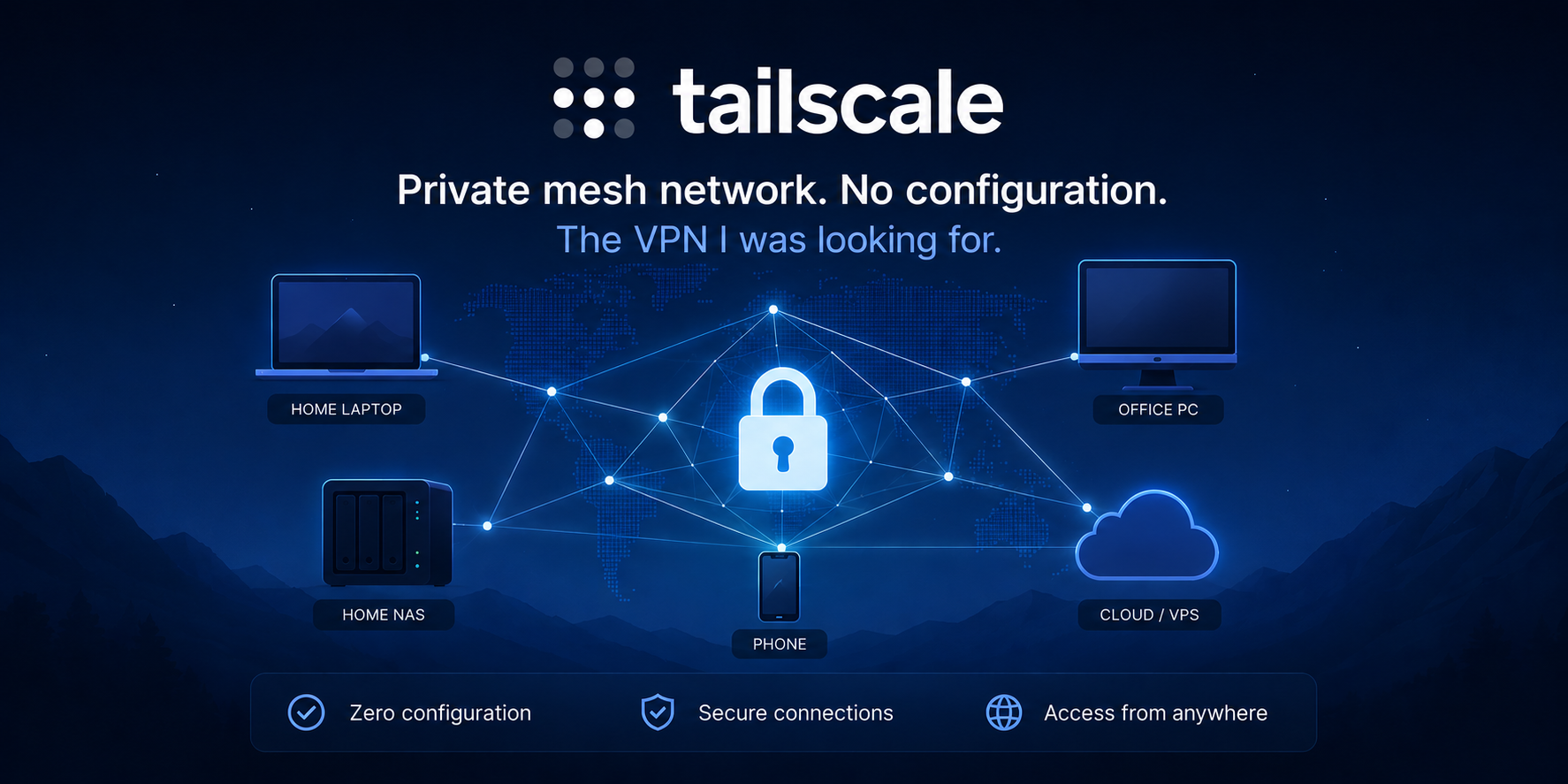
Tailscale is a tool that creates a private mesh network between your devices – regardless of which physical networks they're on. Under the hood, it uses the WireGuard protocol, one of the most modern and fastest tunneling solutions available. But instead of forcing you to manually configure WireGuard (keys, endpoints, firewalls, NAT traversal), Tailscale handles all of that for you.
In practice, it looks like this: you install the client on each device, log in with the same account, and – that's it. Devices can see each other as if they were on the same local network. It doesn't matter if one is at home, another at your parents' house, and the third one on LTE in a tram.
This network of your devices is called a tailnet and it's fully private – Tailscale only manages metadata (who's on the network, what their public keys are), but it never sees your traffic. Encryption is end-to-end, and private keys never leave the device.
Mesh, not hub-and-spoke
A traditional VPN works in a hub-and-spoke model: all devices connect to a single central server, and all traffic passes through it. This means higher latency, a bottleneck on the server, and a single point of failure.
Tailscale works differently. Devices connect directly to each other (peer-to-peer). If my laptop wants to connect to my Raspberry Pi, packets travel the shortest path – no middleman. Tailscale uses clever NAT traversal (a technique called "hole punching") to make this work even behind home routers and corporate firewalls. Only in truly extreme cases (very restrictive NAT) is traffic relayed through relay servers (called DERP servers) – and even then it remains encrypted end-to-end.
My setup – how it looks at my place
After installing Tailscale, my original problem solved itself. Instead of SSH tunnels and intermediary hosting, I now have:
ThinkPad with camera – an old laptop with a USB webcam and a simple Flask service streaming video. I don't need to expose it to the internet – I can see it directly from any device on my Tailscale network.
Desktop in my room – I open the browser, type the ThinkPad's address in the tailnet, and I've got a live view of the printer. Zero router configuration, zero port forwarding.
Phone – also on the network. I can check on the printer from the couch, from work, from the bus. Wherever there's internet – I have access.
Raspberry Pi – which works in a completely different location, on a different network. Thanks to Tailscale, it's directly visible to me – I can SSH into it as if I were on the same LAN. Awesome.
And all of this literally within minutes of installation. No tunnels, no reverse proxies, no hosting required.
Installation – three commands and done
Tailscale runs on practically everything: Linux, macOS, Windows, Android, iOS, and even ChromeOS and Apple TV. On Linux (including Raspberry Pi), installation comes down to:
curl -fsSL https://tailscale.com/install.sh | sh
The script auto-detects the distribution, adds repositories, and installs the client. Then:
sudo tailscale up
A browser link appears – you click it, authorize the device with a Google, GitHub, or Microsoft account – and the device is on the network. You can check your tailnet address:
tailscale ip -4
Or see the status of all connected devices:
tailscale status
On Android and iOS, installation is just downloading the app from the store and logging in. No terminal, no configuration.
MagicDNS – forget about IP addresses
One of my favorite features. With MagicDNS enabled, every device on the tailnet gets a human-readable hostname. Instead of remembering 100.64.0.3, I type:
ssh myuser@thinkpad
or open http://thinkpad:5000 in the browser and I've got the camera feed. Names work automatically, no configuration needed – Tailscale takes them from device names and serves them through a built-in DNS resolver.
What else can Tailscale do?
When I started digging deeper, it turned out that Tailscale is not just "devices can see each other." It's an entire ecosystem of networking tools.
Exit Node – VPN in the traditional sense
Any device on the tailnet can serve as an exit node – an internet gateway. If I set up my Raspberry Pi at home as an exit node, then while sitting at a café I can route all my internet traffic through my home network. It looks like a classic VPN: websites see my home IP, and traffic on public Wi-Fi is encrypted.
Configuration is simple:
# On the device that should be the exit node:
echo 'net.ipv4.ip_forward = 1' | sudo tee -a /etc/sysctl.conf
sudo sysctl -p
sudo tailscale up --advertise-exit-node
Then I approve the exit node in the Tailscale admin panel and can select it from any other device.
Subnet Router – access to the entire local network
What if I have devices where I can't install Tailscale? An old network printer, an IP camera, a NAS with outdated firmware? The subnet router solves this problem. One device with Tailscale on a given network can "advertise" the entire subnet:
sudo tailscale up --advertise-routes=192.168.1.0/24
From that point on, any device on my tailnet can reach any address on the 192.168.1.x network – even if it's physically on the other side of the world.
Tailscale SSH – SSH without keys
Tailscale SSH lets you log into a remote Linux machine without managing SSH keys. Authentication is based on Tailscale identity – if you have permissions on the tailnet, you can connect.
Taildrop – file transfer
Fast, encrypted file transfer between devices on the tailnet. No cloud, no USB drives, no messing around with scp. On Linux:
tailscale file cp photo.jpg thinkpad:
On your phone – you share a file directly through Tailscale from the "Share" menu. Files travel peer-to-peer, encrypted, without intermediaries.
Tailscale Serve and Funnel
Serve lets you share a local service (e.g., a dev server on localhost:3000) with other devices on the tailnet – privately, only for your devices.
Funnel goes a step further – it exposes a local service to the public internet with automatic HTTPS. Want to quickly show someone what you're working on, without deploying to a server? Funnel gives you a public URL in seconds.
Perfect for presentations, demos, testing webhooks.
ACL – who sees what
Tailscale offers Access Control Lists defined in the admin panel (or as a JSON file). You can precisely specify:
- Which devices can connect to which.
- On which ports.
- Which users have what permissions.
On the free plan with a single user, this isn't critical, but when you add family or collaborators – it becomes invaluable.
Security – zero trust by definition
Tailscale implements a zero trust model – no device is trusted automatically just because it's "on the network." Every connection requires:
- Identity – authentication through an SSO provider (Google, GitHub, Microsoft, etc.),
- Authorization – ACLs determine what a given device/user can do,
- Encryption – WireGuard encrypts end-to-end, private keys never leave the device.
Tailscale as a company never has access to your traffic – it only manages the control plane, i.e., information about what devices exist and how they can reach each other. Data (the data plane) flows directly between devices.
Pricing – free for normal use
The Personal plan is free and allows up to 100 devices for a maximum of 3 users. That's more than most home users and hobbyists will ever need.
The free plan includes virtually all features described in this article: MagicDNS, exit node, subnet router, Taildrop, Serve, Funnel, ACLs. There are no artificial feature restrictions – the limits are about scale.
Paid plans start at around $5/user/month and are aimed more at companies and teams needing additional administrative features.
When does Tailscale make sense?
From my experience, Tailscale is ideal when:
- You have devices on different networks and want them to see each other without messing with port forwarding, dynamic DNS, or SSH tunnels.
- You're building a home lab with Raspberry Pi, a NAS, cameras – and want access from anywhere.
- You want a secure VPN without a server – an exit node on a home machine gives you a VPN without paying for a VPS.
- You work remotely and need access to resources at the office or at home.
- You're tired of managing SSH keys – Tailscale SSH is a massive simplification.
- You want to quickly share something – Funnel gives you a public URL in seconds.
What Tailscale doesn't do
It's worth knowing what not to expect:
- It doesn't anonymize – this is not Tor. Tailscale connects your devices, it doesn't hide you on the internet.
- It requires internet – both devices need a network connection (even through LTE).
- Control is centralized – the coordinating server (control plane) is managed by Tailscale. If that bothers you, there's an open-source alternative – Headscale, which lets you run your own control server.
Summary
I set out to build an SSH tunnel to my hosting to watch a 3D printer. I came back with a private mesh network where my laptop, desktop, phone, and Raspberry Pi – each in a different location – can see each other as if they were sitting on the same desk.
Tailscale is one of those tools that, after first use, triggers the reaction: "why didn't I know about this sooner?" Installation takes minutes, configuration is minimal, and the free plan covers the needs of the vast majority of home users.
If you have at least two devices on different networks and wish they could see each other – give it a try. You'll come back to say thanks.
Article written in May 2026. Tailscale is actively developed – features and pricing may change.
Sources and further reading
-
Tailscale – official website – platform description, documentation, quickstart
tailscale.com -
Tailscale – documentation – detailed guides for each feature
tailscale.com/kb -
WireGuard – underlying protocol – specification and documentation of the protocol Tailscale is built on
wireguard.com -
Headscale – open-source implementation of the Tailscale control server, for those who want self-hosted
github.com/jupp0r/headscale -
Tailscale – pricing – current plans and limits
tailscale.com/pricing